My first Quasar app was a "Hello World" adventure
A first Quasar Framework project built with Vite and TypeScript, starting from a Hello World single-page app.
I built a simple single-page app to learn the Quasar Framework: its CLI, its component system and its developer experience.
The challenges
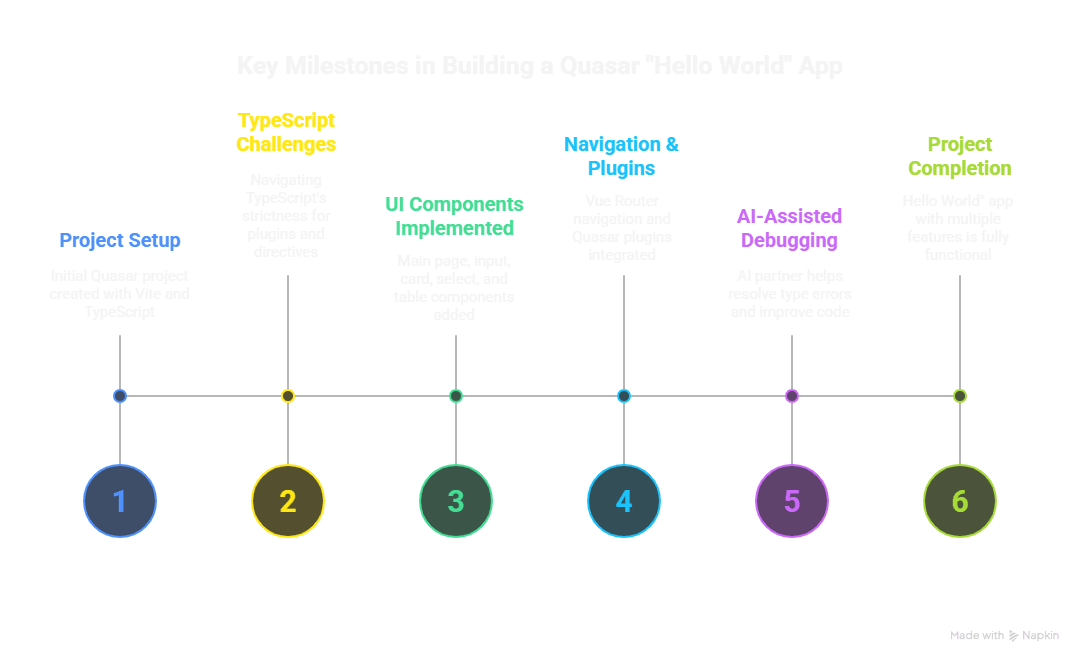
Project setup with Vite and TypeScript was smooth with the Quasar CLI. The hard part was TypeScript's strictness around plugin and directive handler typings.
The LLM and I went through several rounds to get $q.notify and touch directive event payloads typed and working. A key lesson: the framework.plugins array in quasar.config.ts decides which default plugins load. Leave it empty and no default plugins show up.
The outcome
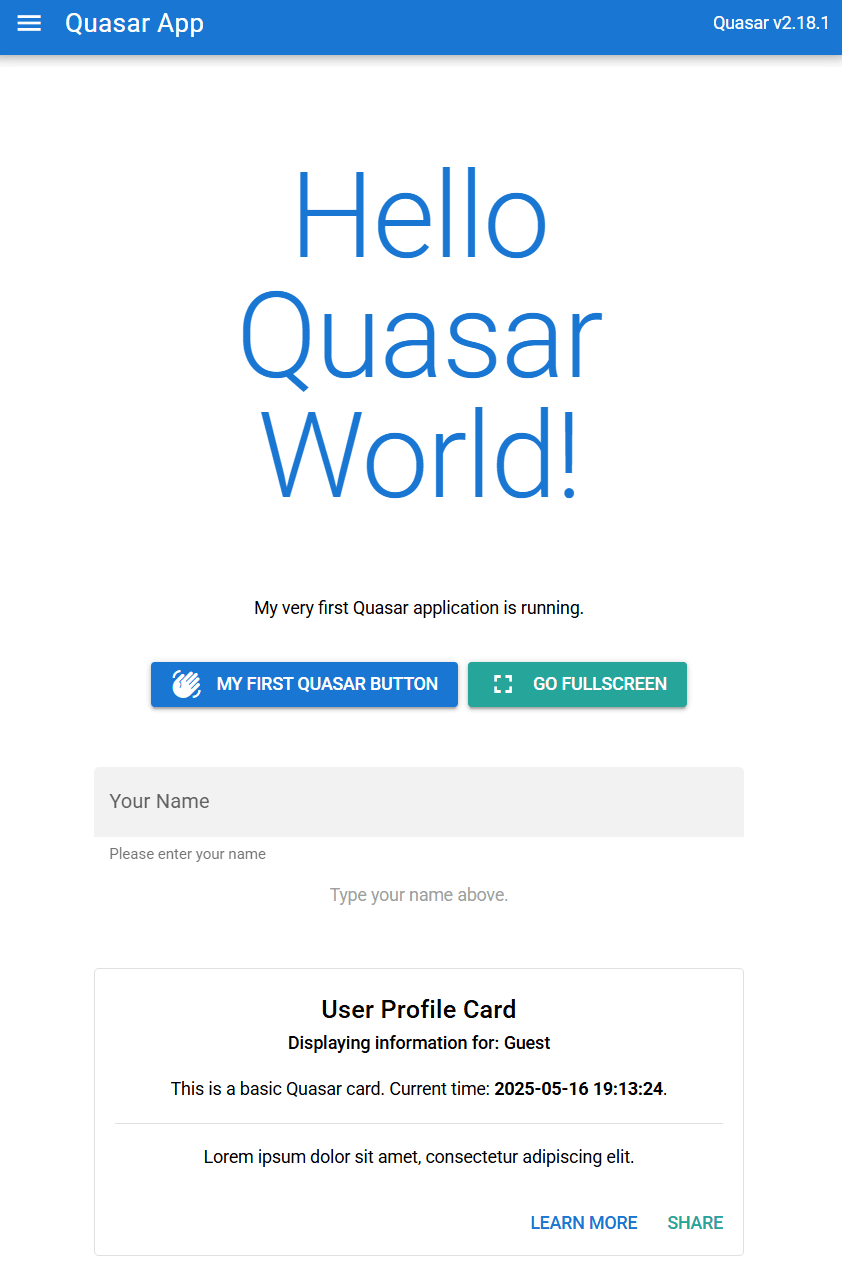
By the end of the session, the app, named quasar-step1, had:
- A main page displaying the classic greeting.
- Reactive user input with QInput that updated other parts of the UI.
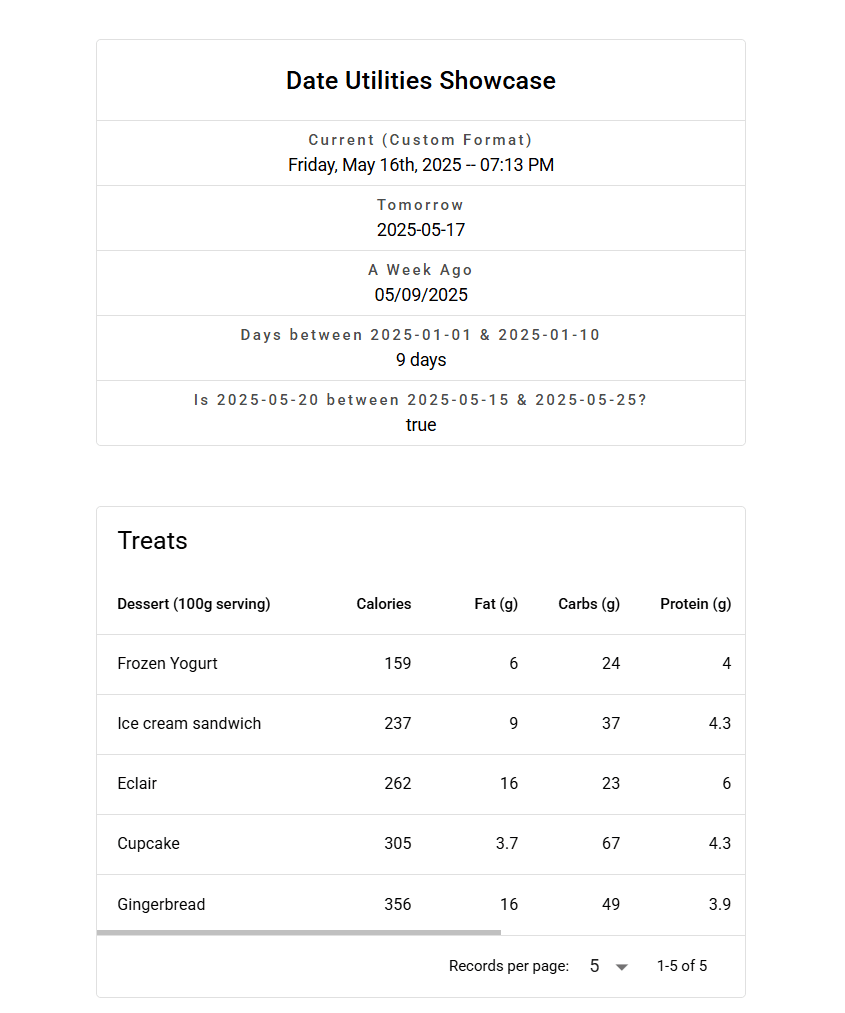
- A QCard that shows information, including a live-updating clock using Quasar's date utils.
- A QSelect component for dropdown selections.
- A basic QTable rendering static data, with sortable columns.
- Multi-page navigation (/, /home, /about) handled by Vue Router, with links in a QDrawer built from a reusable EssentialLink component.
- Quasar plugins such as AppFullscreen and Notify.
Key learnings
- The Quasar CLI (@quasar/app-vite) scaffolds and runs the project. quasar new page is a shortcut for adding a page.
- Quasar's components share props such as color, icon, label and the filled, flat and bordered variants.
- The framework section and build.vueRouterMode in quasar.config.ts matter. An empty framework.plugins array loads no default plugins, which was a lesson I learned.
- Vue Router works well once links use the :to prop on QItem or EssentialLink. My first internal links used href, a common SPA mistake.
- TypeScript needs precise types for event and directive handlers. The vue-tsc errors were frustrating at first, but they pointed to the correct typings, and that made the code more reliable.
- In script setup, use $q.pluginName for Quasar plugins. In directive handlers or other tricky contexts, call the plugin's static methods, such as Notify.create(), if $q.pluginName misbehaves.
The AI approach
My LLM assistant wrote code snippets, explained concepts and helped debug the type errors. It sometimes put JavaScript comments into HTML templates, which Vue does not accept. Even AI-written code needs a review.
Next, I may try Pinia for state management or another build mode.