AI rebuilt this website in Vue 3
Gemini 2.5 Pro rebuilt this website in Vue 3 from vanilla JavaScript. A detailed system prompt and specific task prompts guided it, and I validated the results.
When I migrated this website from vanilla JavaScript to a Vue 3 SPA, the AI got most of the code right on the first pass. My role became orchestrator and validator.
This project depended on the AI getting it right, or very nearly right, on the first pass. That only happened because I gave it proper instructions from the start.
Giving the AI the lead developer role
The goal was ambitious: turn an aging static site into a dynamic, component-based Vue 3 application with Tailwind CSS, TypeScript and a new blog. My directive to the AI was: "You are the developer. Take the existing content and structure, and rebuild it using these modern technologies. Provide the overall architecture, define the steps, write ALL the code and validate your work."
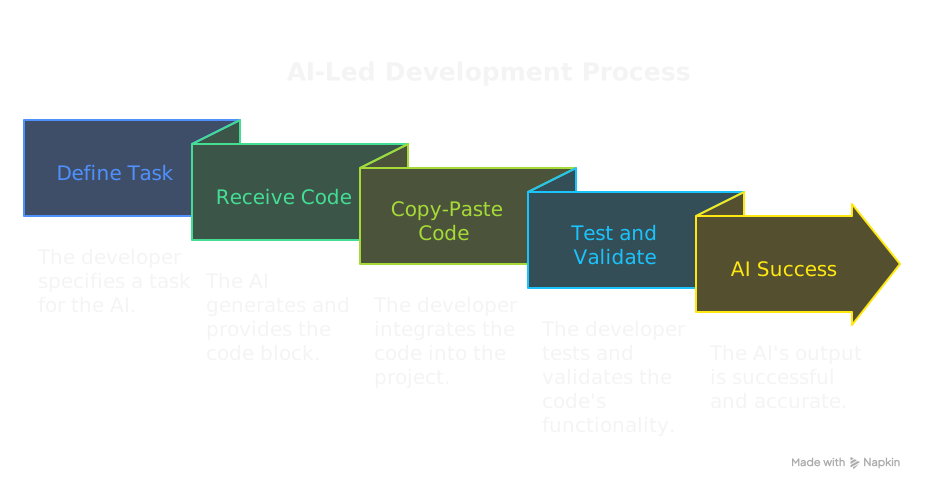
The AI did not just assist. It took the lead on code generation. My workflow was:
- Define a specific task, for example: "Create the Blog feature for this site following previous site guidelines. Start with a detailed step by step plan first, then provide the code in a systematic manageable way that I can implement and test step by step."
- Receive the complete code block or blocks from the AI.
- Copy them directly into my VS Code IDE.
- Test and validate.
Most of the time, the AI's output was spot-on. That success came from the system instruction I gave at the start.
Setting the stage with a system prompt
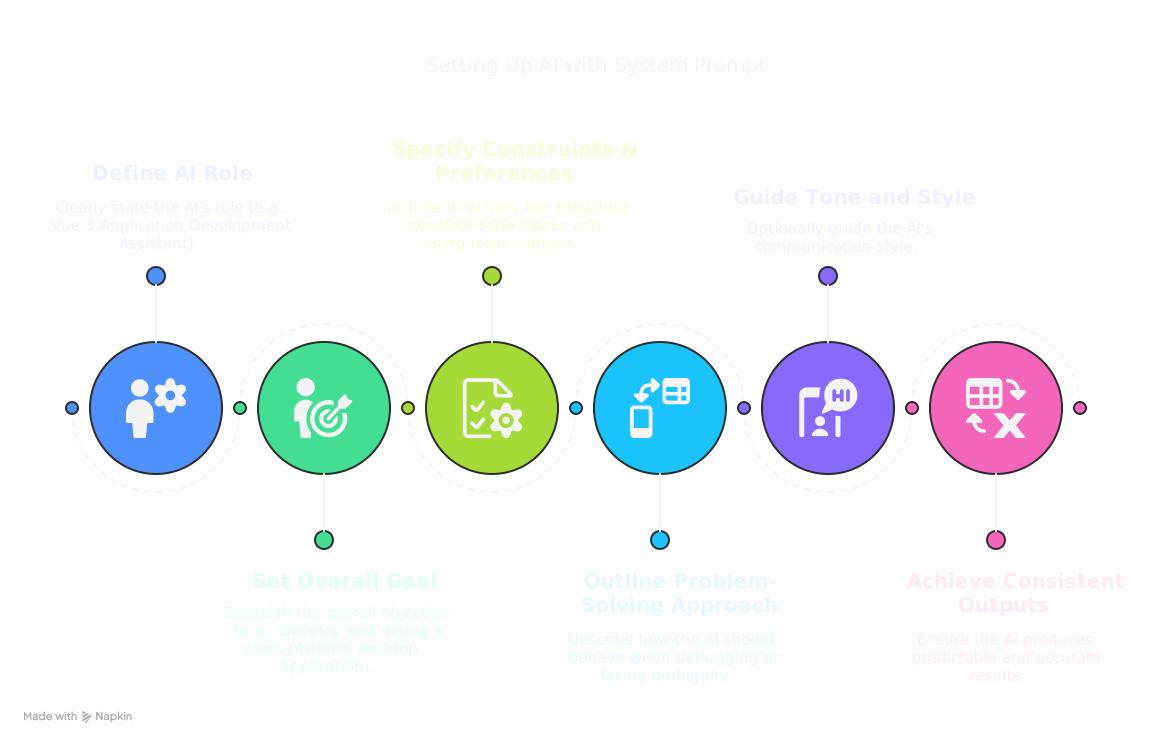
Before any specific tasks, I gave my LLM assistant a full system instruction. It sets the AI's persona, role, constraints, output preferences and operating guidelines for the whole project. Writing a good system prompt took upfront work, and that work kept the AI consistent.
A good system prompt for a project like this typically includes:
- A role definition, stating the AI's job, such as "Vue 3 Application Development Assistant."
- A goal, the overall objective, such as "Help develop and debug a cross-platform desktop application."
-
Key constraints and preferences. For this project,
they included these directives:
- Always provide complete code blocks.
- Use clear start-of-file and end-of-file markers.
- Retain existing context comments.
- Use structured comments for major sections and simpler ones for sub-sections.
- Prioritize secure Electron practices. This web project did not use Electron, but the practices set a quality standard.
- Adhere to the specified technology stack (Vue 3 Composition API, TypeScript, Vite, Tailwind CSS).
- A problem-solving approach, describing how the AI should act when debugging or facing ambiguity.
- A tone and style, which is optional but can help guide how the AI communicates.
The ground rules gave the AI a clear framework to work within. That led to more predictable, consistent and accurate output, and it reduced misunderstandings.
Task prompts were the real challenge
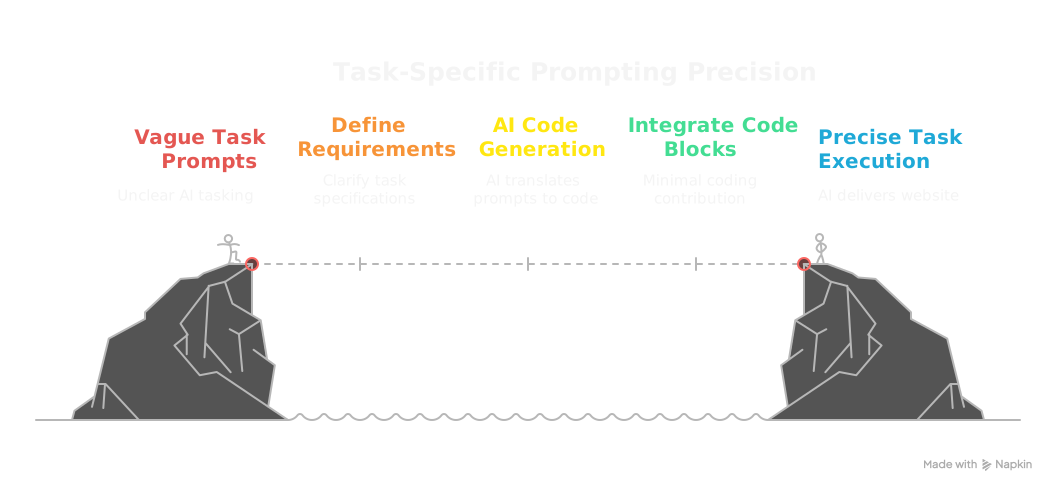
With a system prompt in place, the challenge moved to my task prompts. They had to be clear and complete. The AI turned those requirements into correct code. The few iterations we needed came from changing requirements or complex visual styling, not from the AI misreading its directives.
The result is this website
The Vue 3 application you are using now is the direct result of this collaboration. From the initial Vite setup to the final blog post styling, the AI produced the code within the parameters I set. My own coding was minimal. I mostly integrated the AI's code blocks and ran the build and development servers.
Key learnings from a high-performing AI
- A well-crafted system instruction matters most. It works like a job description and a company style guide for your AI developer.
- Once the AI is set up, the quality of each task prompt determines how well its output works right away.
- I act as orchestrator, validator and integrator. I design the structure, direct the AI, check that each section works and put the pieces together.
- Development moved fast. Features were generated and validated quickly when the AI was consistently accurate.
- Tactical coding took less mental effort. That freed attention for architecture, user experience and the next set of instructions.