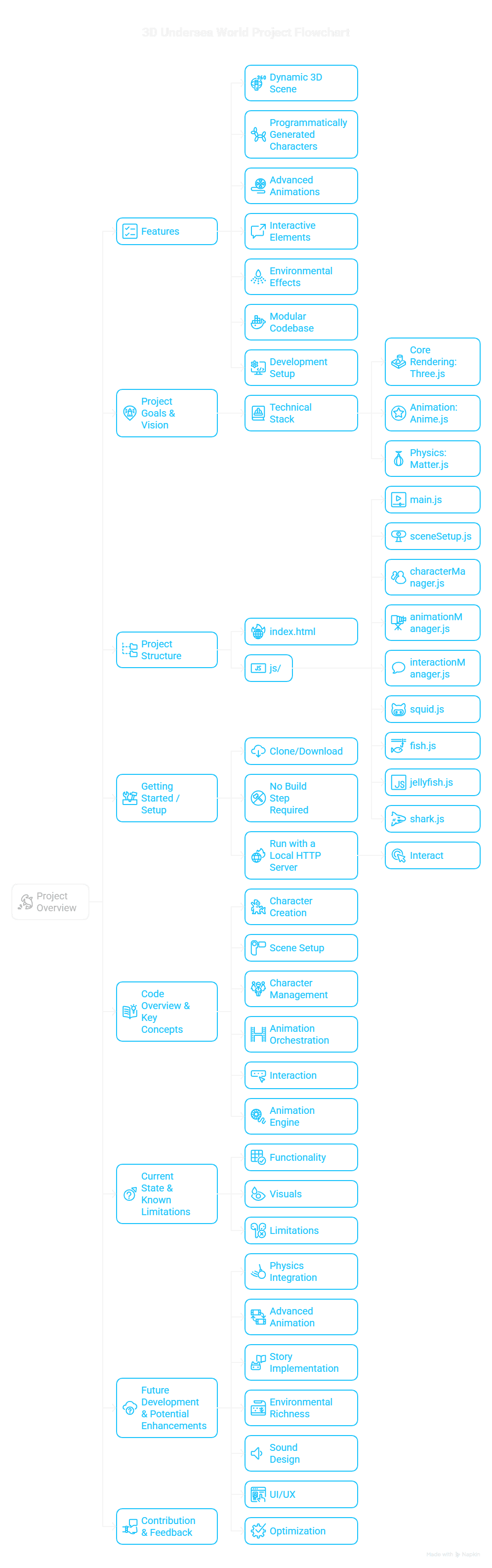
3D undersea world built with Three.js and Anime.js
A child's 2D undersea story grew into a 3D world built entirely in code. Three.js models the squid, fish, jellyfish and shark, and Anime.js animates them.
The starting point was a child's 2D undersea story. It quickly grew into a fully 3D world. We used Three.js to model it and Anime.js to animate it, aiming for a lively, interactive single-page app.
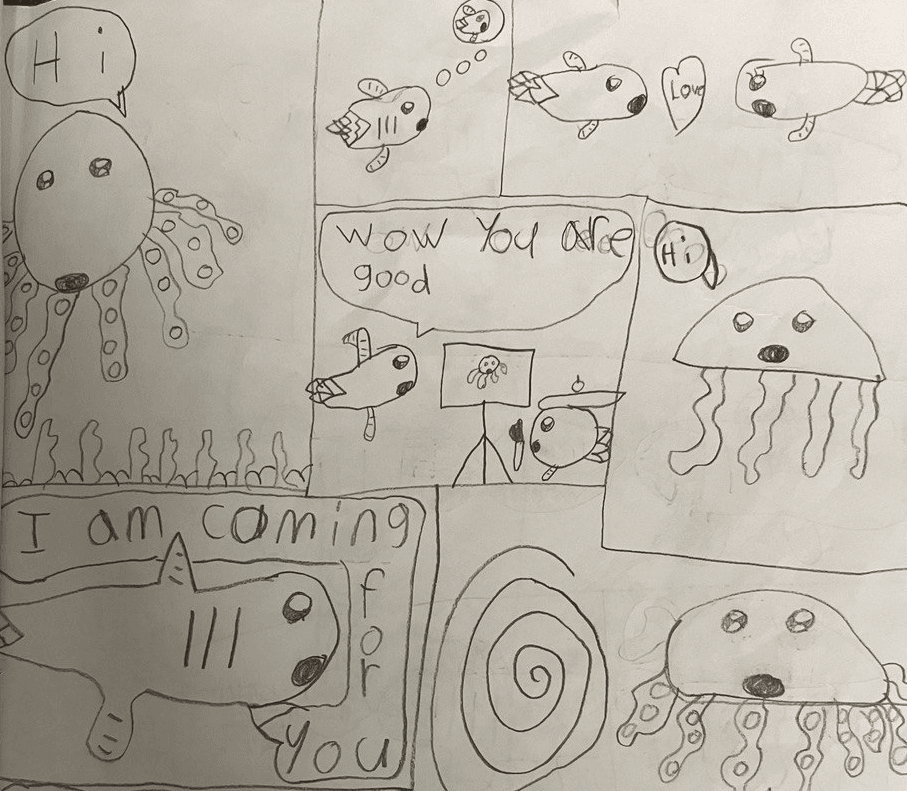
The challenges
We built a cast of distinct sea creatures entirely in code, using Three.js primitives: a squid called "Ing", several fish, jellyfish and a shark. Each one needed its own geometry: CapsuleGeometry, LatheGeometry for the fish and shark bodies, TubeGeometry on custom curves for tentacles and arms, and ExtrudeGeometry for fins.
We also animated the creatures:
- Tentacles and fins move continuously and subtly, and the jellyfish bells pulse.
- Most creatures drift in random patterns, so they explore the 3D space.
- The shark moved from a simple patrol to a "turn-and-swim" behavior. It smoothly turns toward a new random target before it swims.
- Air bubbles spawn and rise, which adds to the underwater atmosphere.
Getting the shark's fins right took a few tries. Managing animation states and keeping performance smooth with many animated entities were ongoing challenges. Splitting the JavaScript into one file per character and one per manager (scene, animation, interaction) became essential as the project grew.
The outcome
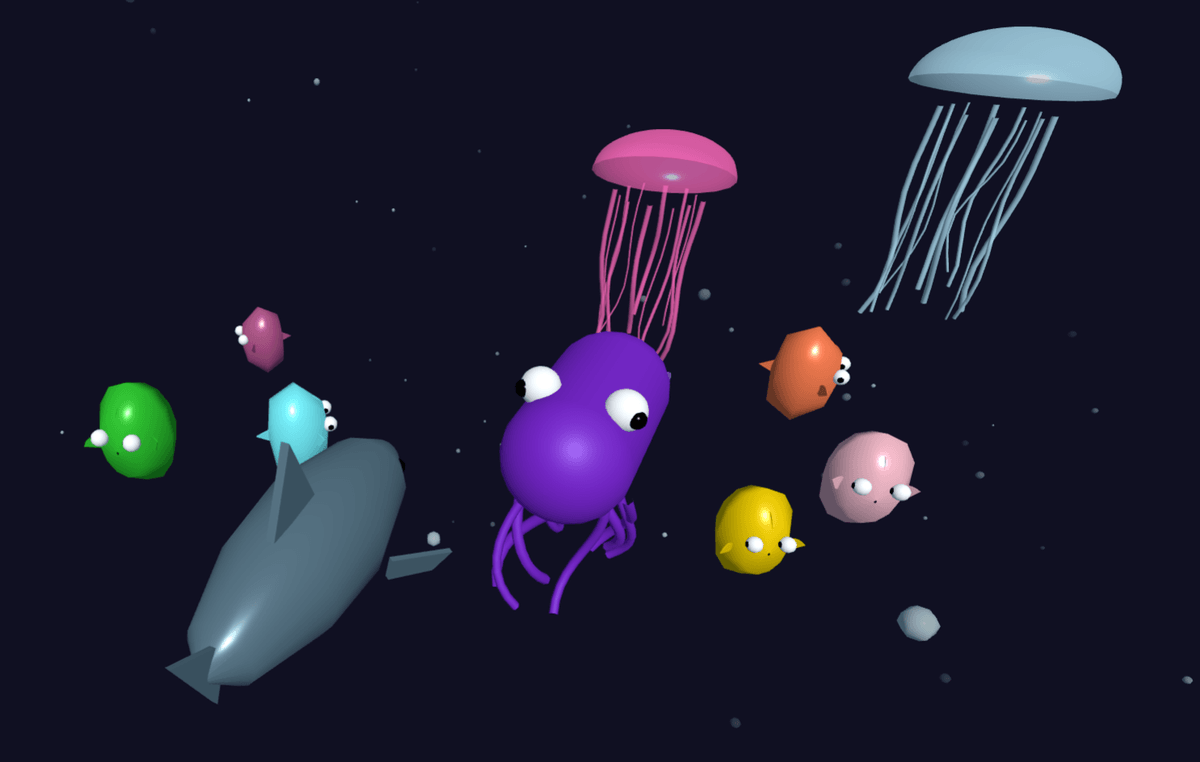
We now have a small 3D undersea world with these features:
- A central squid ("Ing") with flowing arms and fins.
- Multiple colorful fish, each with a more defined body from LatheGeometry.
- Jellyfish that pulse and drift, with procedurally generated tentacles.
- A shark ("Sharky") that cruises the scene with more natural turns.
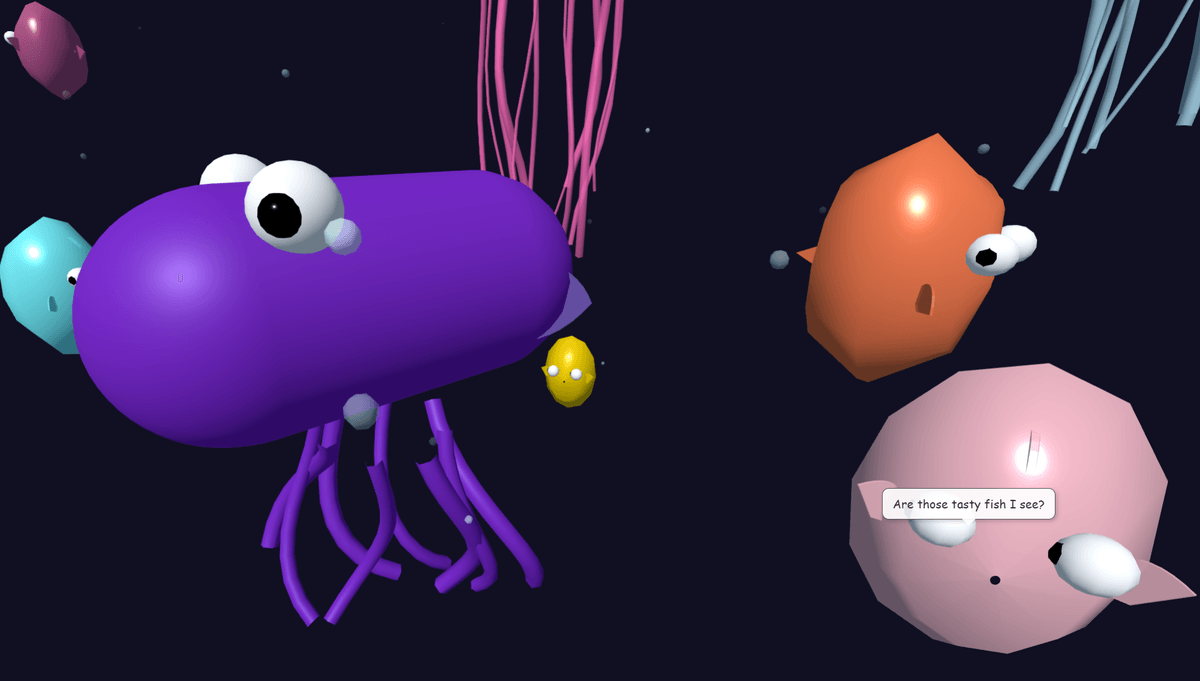
- Hover-triggered speech bubbles for most characters.
- Autonomous, randomly timed speech bubbles for the shark.
- A continuous stream of rising air bubbles.
- Basic camera controls through Three.js's OrbitControls.
The entire scene renders in real time, with all animations and behaviors managed by JavaScript.
Key learnings
- LatheGeometry and TubeGeometry (with custom THREE.Curve paths) create organic shapes without external model files. Local and world coordinates and object hierarchies matter for assembling and orienting parts.
- Anime.js animates the position, rotation and scale of Three.js objects. That makes complex movement and idle behavior relatively straightforward to build. Its timelines are useful.
- As features and characters were added, splitting the code into modules for scene setup, character creation (one per type), animation (split by concern) and interaction became essential. ES6 modules with an importmap managed dependencies without a bundler.
- vector.project(camera) maps 3D world coordinates to screen coordinates. It is the standard way to place HTML and CSS elements, such as speech bubbles, over a Three.js scene.
- Often the best approach to debugging 3D is to add THREE.AxesHelper to objects temporarily, simplify the animation and test step by step. Screenshots and videos also helped.
- Cloning materials for each bubble's opacity, then scaling bubbles out with a shared material, showed the trade-off between visual detail and performance. Performance was not yet an issue.
The AI approach
My LLM collaborator suggested Three.js geometries and Anime.js techniques, helped debug the rotation logic and untangled module import errors. The work felt like pair programming. It also drafted this post.
Next, we may add Matter.js for simple physics-based interactions, or build more complex narrative animations from Eliska's original story.